Compose and capture
Tap the viewfinder to focus, hold to lock focus and white balance, and swipe vertically to adjust exposure. You can also import local photographs from Photos or Files.
LUMI 400 / PHOTOGRAPHY
Lumi 400 is a photography app for iOS, built around one aim: a natural film character from digital photographs. Capture the light, take time with the colour, and keep the pictures that feel right to you.
Explore the app01 / THE IDEA
We like the way colours sit together in film, the transition from light to shadow, and the feeling of spreading a set of photographs across a table. Lumi 400 brings that approach to digital photography, while leaving room for each picture to be different.
Capture, import, adjustment and selection live in one app. Make a photograph in the moment, or retain a RAW file and return to it later. Available formats and controls depend on the device, source photograph and app version.
Tap the viewfinder to focus, hold to lock focus and white balance, and swipe vertically to adjust exposure. You can also import local photographs from Photos or Files.
Start with exposure, white balance and tint. Skin and highlight controls offer finer adjustment. Watch the photograph as you work; there is no need to change every setting.
Browse photographs by date on the light table and move between a single image and the overview. Compare colour and composition across the set, then export a contact sheet.
02 / PHOTOGRAPHS
Three photographs exported from Lumi 400: a figure on a ridge, a walk across the rocks, and warm light on distant peaks. The film borders are part of the exports. Open a picture for a closer look.
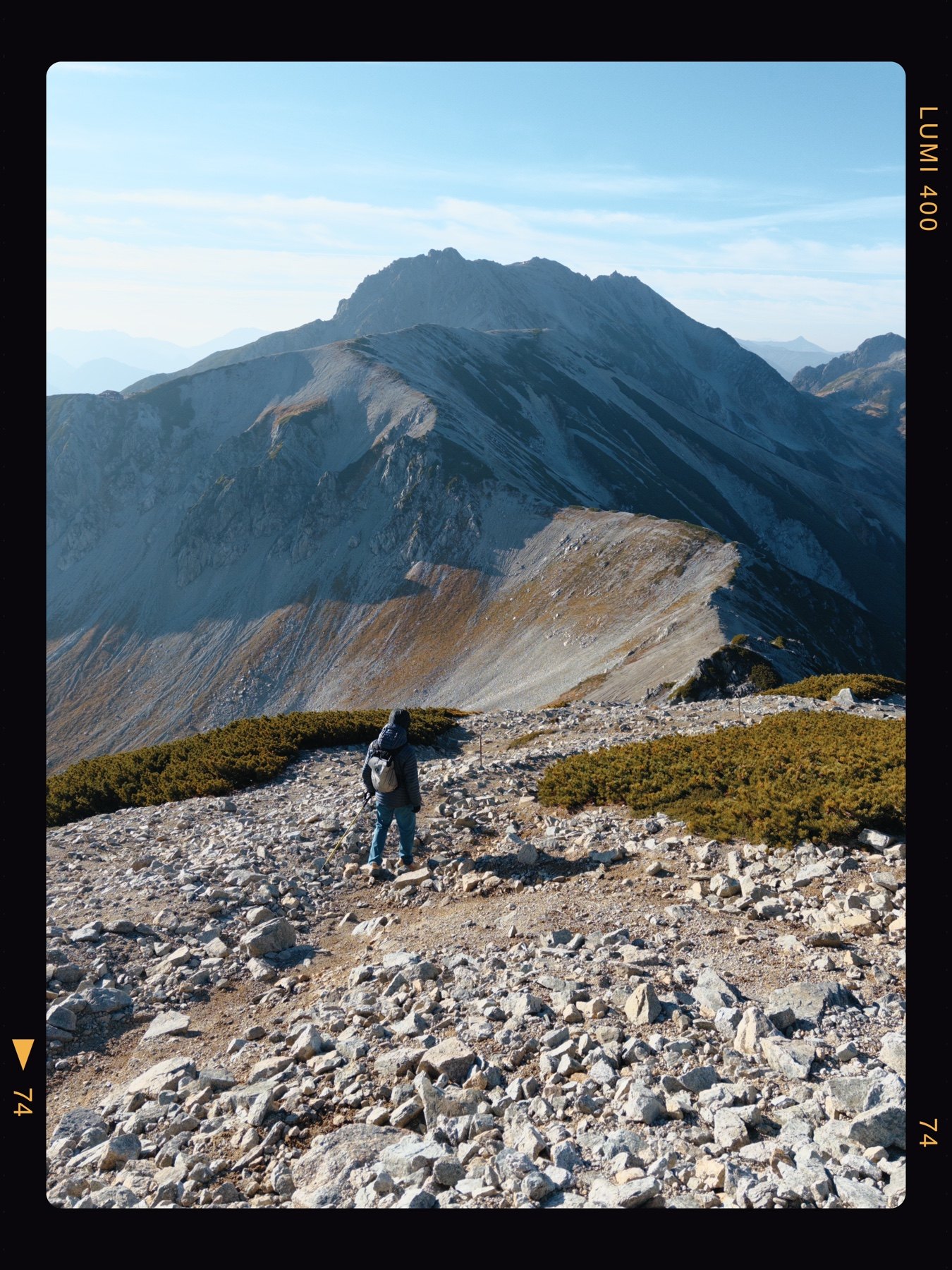
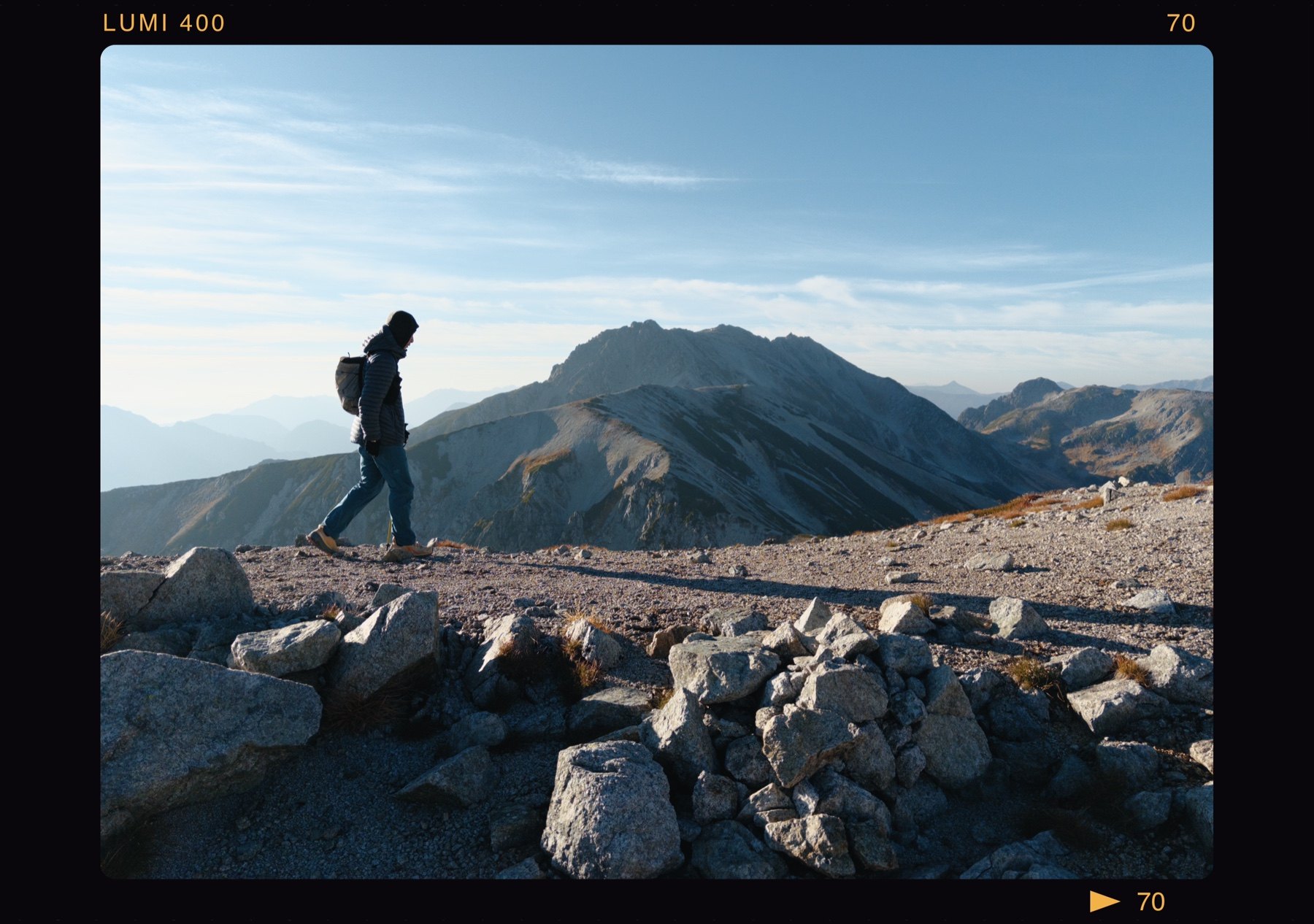
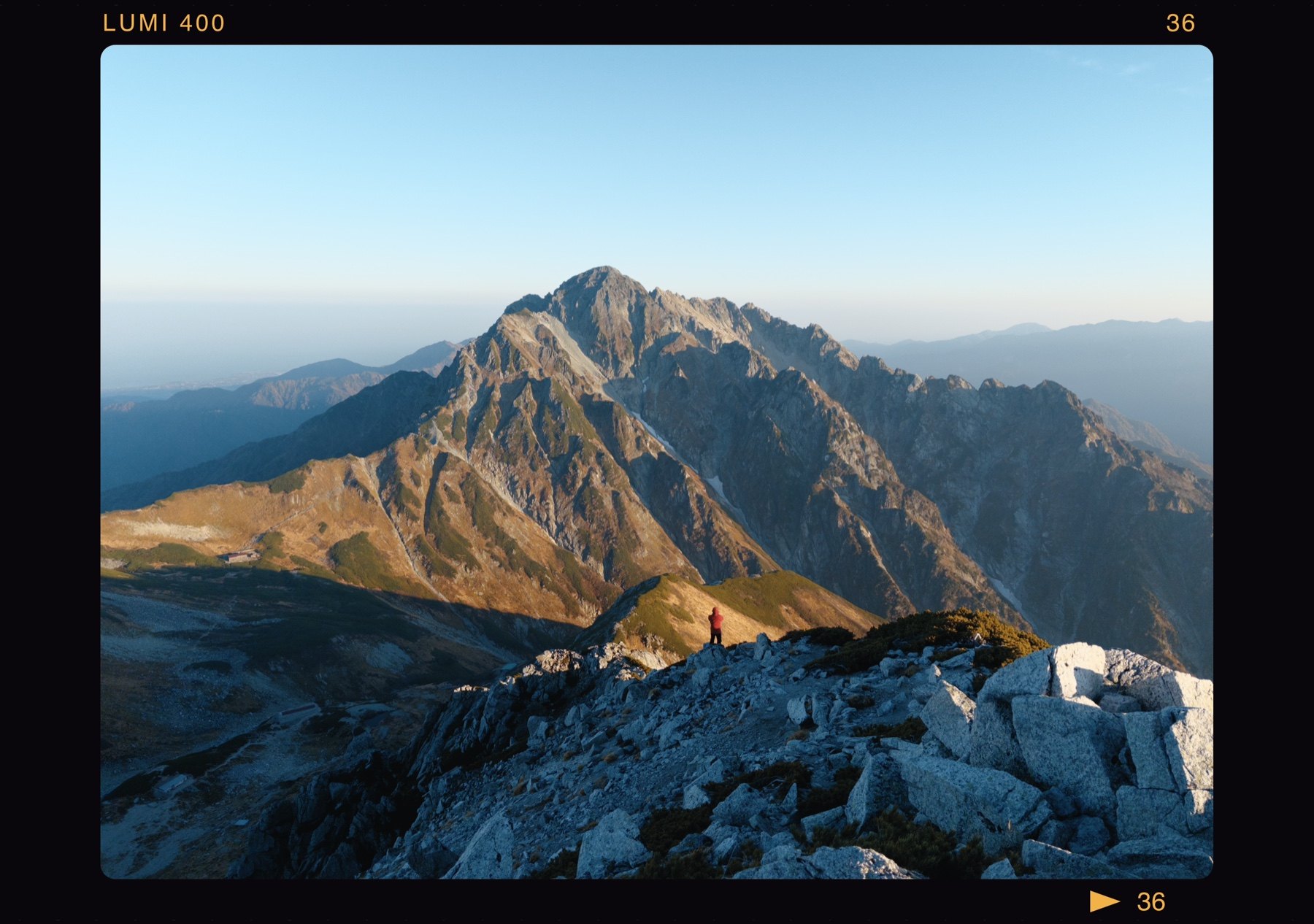
These web copies have been resized and compressed without additional colour adjustments or cropping.
03 / INSIDE LUMI 400
These images show the camera, adjustments and light table in an existing version of Lumi 400. They show the app in use; the interface may change as the app develops.
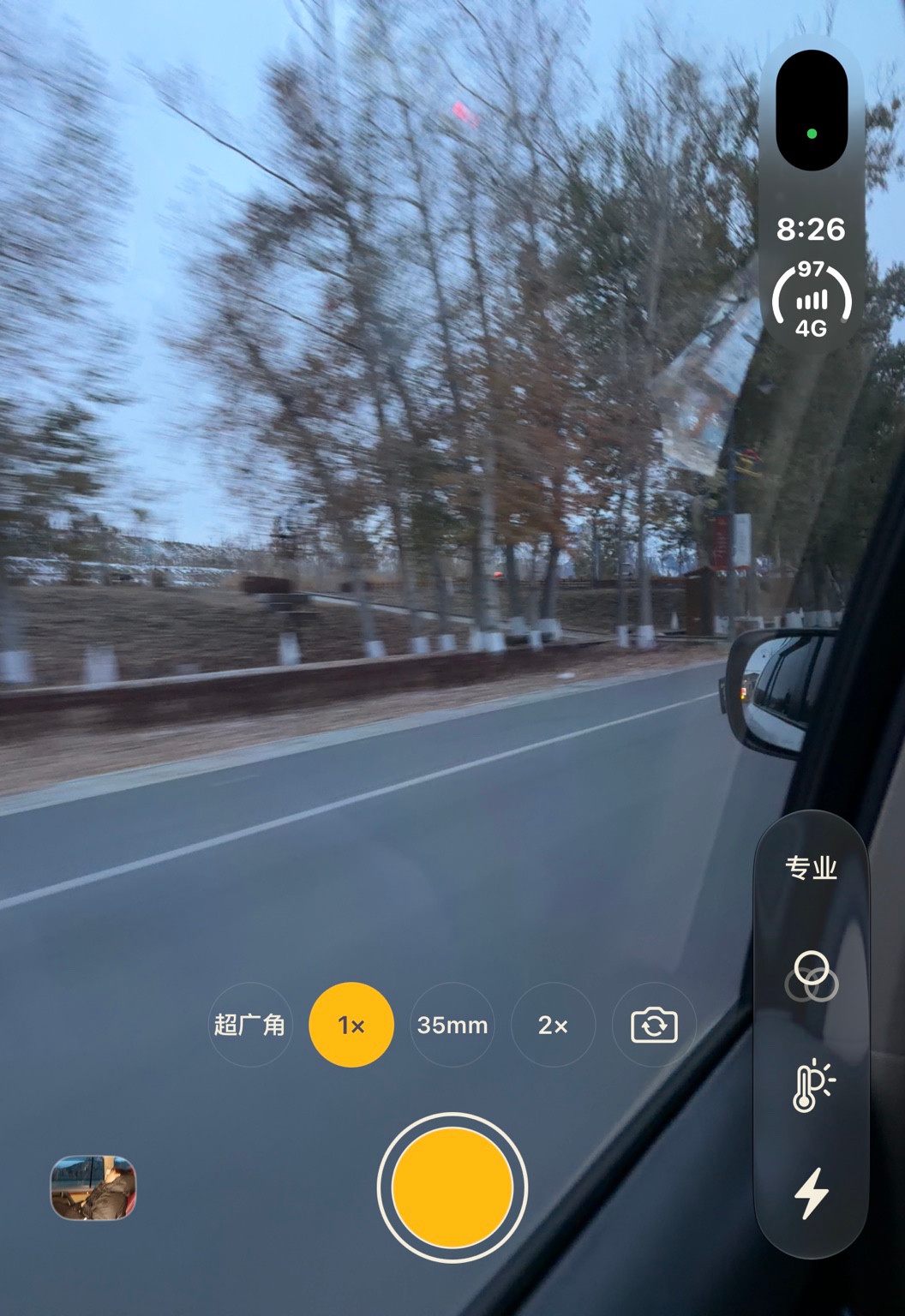
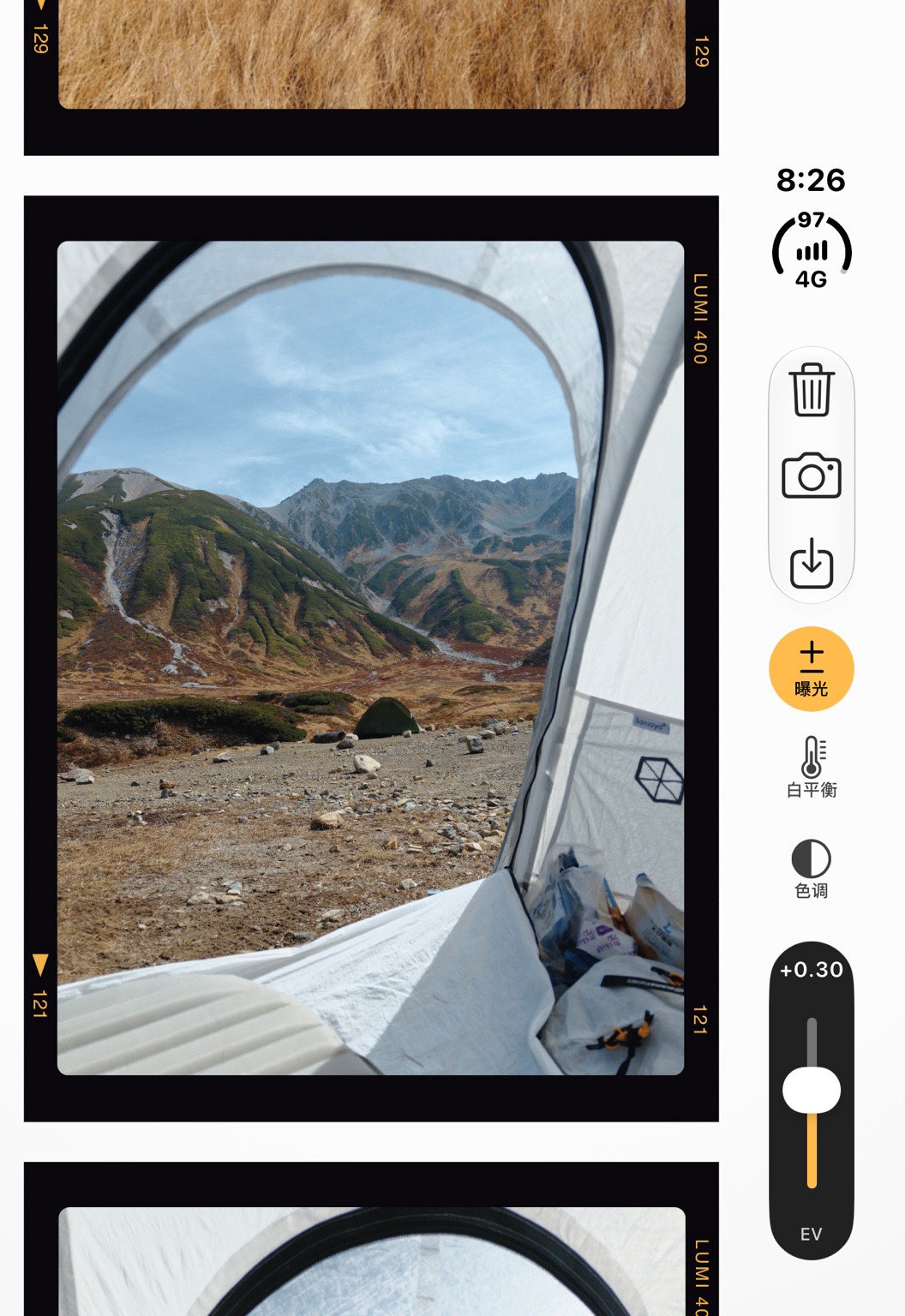
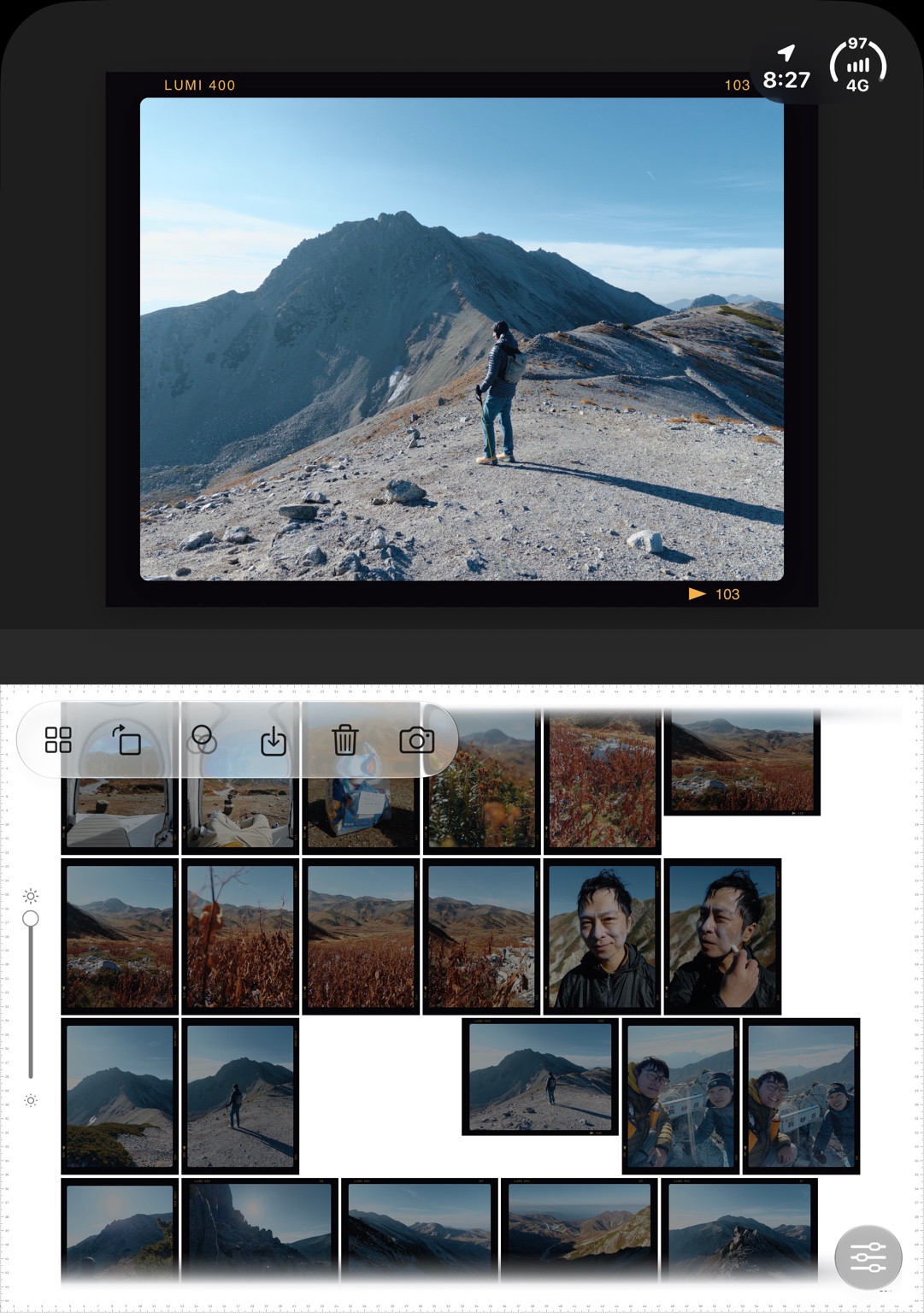
Select an image to view it at full size. These are app screenshots, rather than full-resolution sample exports.
04 / KEEP YOUR PHOTOGRAPHS
The default professional mode retains RAW files until you delete them. When you enable everyday mode, new photographs use a temporary RAW for development. Once the finished image is verified, the temporary RAW is removed and a full-size HEIF remains. Older photographs keep their original retention policy.
Save or share finished photographs as HEIF or 16-bit TIFF. Where a RAW has been retained, you can export the original RAW too. Export anything you want to keep before uninstalling the app or changing devices; the developer has no server backup to restore.
05 / SUPPORT
Capture, development, colour adjustment, library management and export run on the device. The app has no account system or automatic cloud backup. Photos, file providers and sharing services may connect according to your system settings.
Camera permission enables capture. Photo access is used for the import and saving actions you choose. Location is optional and may be written into photographs when authorised; you can still take pictures without it. Check location and personal details before sharing.
Download the original to the device in Photos or Files first, then import it into Lumi 400. The app does not request cloud-only originals itself.
Email hiktt8392@gmail.com with your device model, iOS version, app version and the steps that led to the problem. Remove personal information from any screenshots, and never send passwords or verification codes.
06 / MINGFENG MEDIA
The company behind the development and operation of Lumi 400, based in Shiyan, Hubei, China. Our work on Lumi 400 centres on photography, colour and mobile tools. For company matters, product support or business enquiries, use the email below.